
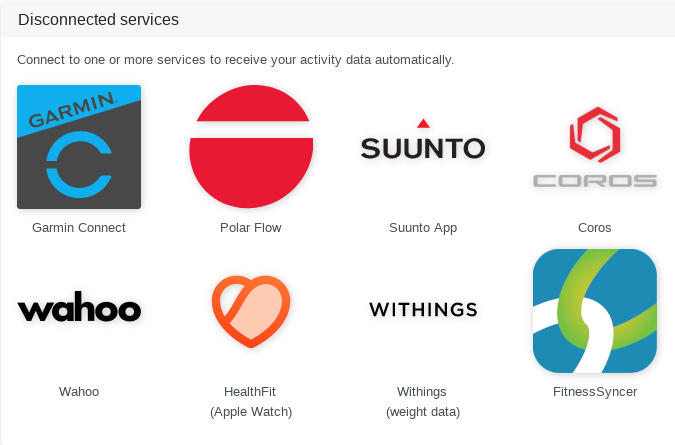
Our cyclists will be happy to be able to use the direct Wahoo API integration to automatically sync recorded workouts with Tredict.
Wahoo is known especially among road cyclists for the bike computers and indoor bikes.
In addition to Garmin, Suunto, Polar and Coros, we now have Wahoo as another major player that is integrated as an automatic synchronization service.
To connect to the Wahoo service, simply go to the connection page and click on the Wahoo button. You will now be redirected to Wahoo, where you can enter your Wahoo password to generate an access key for Tredict.
Automatically sync planned workouts to Wahoo
The synchronization works in both directions. Planned workouts you create in Tredict are automatically sent to Wahoo, so they are ready to run directly on your watch or bike computer.
Tredict keeps the next 7 days in sync continuously and automatically in a rolling window, so your upcoming sessions are always up to date on the device.
However, the sync of planned workouts only works with the newer Wahoo app, for example with a Wahoo ROAM V3. A ROAM V1 that is connected through the old ELEMNT app unfortunately does not support the automatic sync of planned workouts. Your recorded activities are still transferred to Tredict as normal.
Display GPS accuracy of the training session in the series history
A specialty of Wahoo devices is the storage of GPS accuracy as a time series.
This allows you to view the GPS accuracy over the course of the training session in the training detail view. Since the GPS accuracy can change during a bike ride, it is also possible to draw conclusions about the accuracy of the tempo if it is determined via GPS.
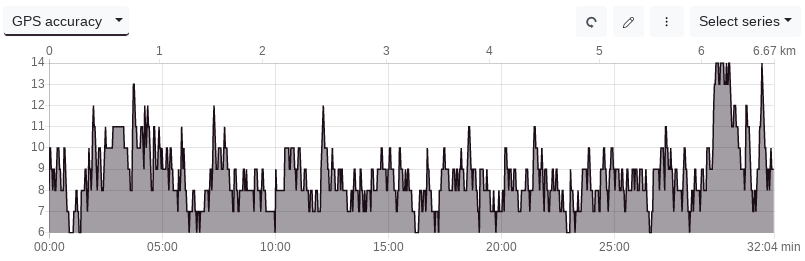
The GPS accuracy during a running workout.