Install Tredict on Windows
FAQ
-
Devices and Connections
- Which recording devices and services are supported?
- Export a planned workout to my Garmin device
- What is the difference between an automatically uploaded scheduled workout and a workout FIT file?
- Apple Watch with Watchletic - Connect and synchronise
- Garmin Connect - How to connect and synchronize my device?
- Suunto - How to connect and synchronize my watch?
- Polar Flow - How to connect and synchronize my watch?
- Coros - How to connect and synchronize my watch?
- Wahoo - Connect and synchronize
- Hammerhead - Connect and synchronize
- icTrainer - Using the Tredict training plan with the roller trainer
- Concept2 - Connect and synchronise
- Oura Ring - Connect and synchronise
- Dropbox - Automatically sync training files with and from Tredict
- Zwift - Automatically synchronise planned and completed workouts
- Rouvy - Automatically synchronise planned and completed workouts
- Personal API - Connect your own scripts or personal applications
- Tredict API - Connect your platform or application
- Model Context Protocol and AI integration
- App, Browser and Platforms
- General
-
Training
- How to unlink a pre-planned workout?
- How to fix corrupt workout data?
- Correct a faulty recorded swim stroke
- Can I change the date and time of my workout?
- Can the laps of an activity be calculated manually?
- Can I display a run without the walking breaks?
- Why is the date of my virtual training in a different time zone?
- Series chart for distance intervals without pace
- Supported sports
- Calendar and Training Overview
- Coaching and Athlete Connection
- Training plans
- Evaluation
- Zones
Tredict is available as a Windows app on the Microsoft Store and can be installed directly on your PC.
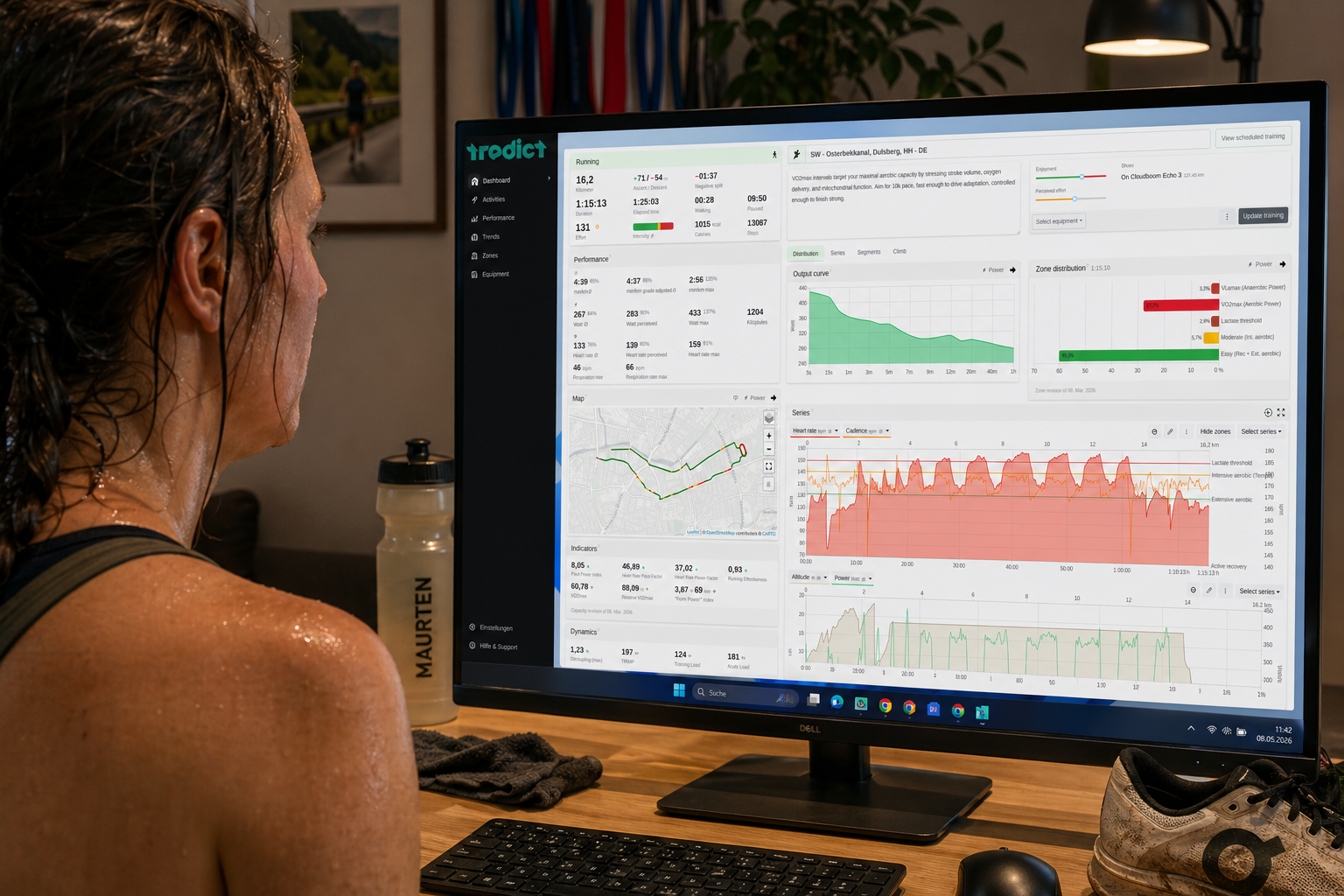 The Tredict Windows app running on a Windows 11 desktop computer. (Illustration)
You can find the official Tredict app for Windows on the Microsoft Store. After installation, Tredict runs in its own window without a browser address bar, is accessible directly from the Start menu or taskbar, and you won't be unintentionally logged out by your browser.

How to install Tredict on your Windows PC
- Open the Microsoft Store on your Windows PC.
- Search for "Tredict" or open the link above directly on your device.
- Click "Download" and wait for the installation to complete.
- Tredict now appears as an app in your Start menu and can be pinned to the taskbar.
Next question:How do I navigate with the keyboard?
Previous question:Install Tredict on iPhone or iPad
Overview:View all questions